![Nav Support Center.svg]](https://help.foodnotify.com/hubfs/Support%20Center/Design/Nav%20Support%20Center.svg)
When you connect your POS system with FoodNotify, your sales flow into your inventory management automatically. For every dish and drink you sell, FoodNotify deducts the ingredients of the linked recipe from your stock.
Your benefits
- Real-time stock levels – you always see what is still there.
- More targeted ordering – you order what you really need.
- Less shrinkage and waste – especially with perishable goods.
- Sales at a glance – for every POS article you see how often it was sold and how much revenue it brought in.
Which POS systems can I connect?
You see this directly in FoodNotify: click the gear icon at the top right, choose Service integrations › POS system and click Which POS systems can be connected?
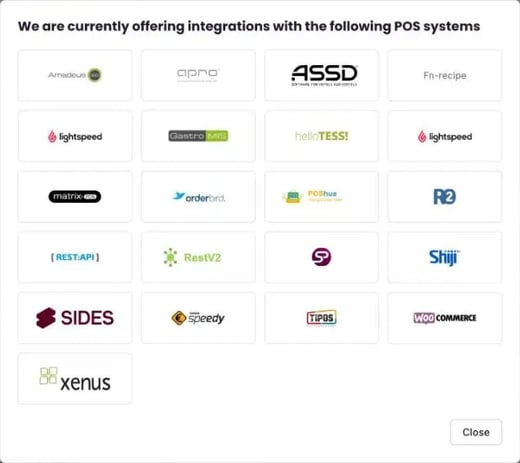
They include, for example, Lightspeed (G-Series and K-Series), orderbird, ready2order, Amadeus 360, apro, ASSD, GastroMIS, helloTESS!, Matrix POS, POShua, Shiji, SIDES, Speedy, TIPOS and Xenus.
Your POS system is not listed? We keep adding new connections – write to us at support@foodnotify.com.
How the data is transferred
- Cloud POS systems (e.g. Lightspeed) transfer their data via the cloud.
- Windows POS systems transfer their data via the so-called Bridge App.
How often and which data is transferred depends on the POS provider. Under POS system you see for every location when data last arrived.
Three steps to your POS connection
- Connect your POS system – for each location separately. How do I connect and configure my POS system?
- Set up the synchronization – define which data your POS system sends to FoodNotify. Set up the synchronization
- Connect POS articles to recipes – so that every sale deducts the right ingredients. How do I connect POS articles to my recipes?
Good to know: We set up the POS connection together with you as part of the implementation. Which POS articles need a recipe: Which POS items need a recipe?